Define what the proof should answer
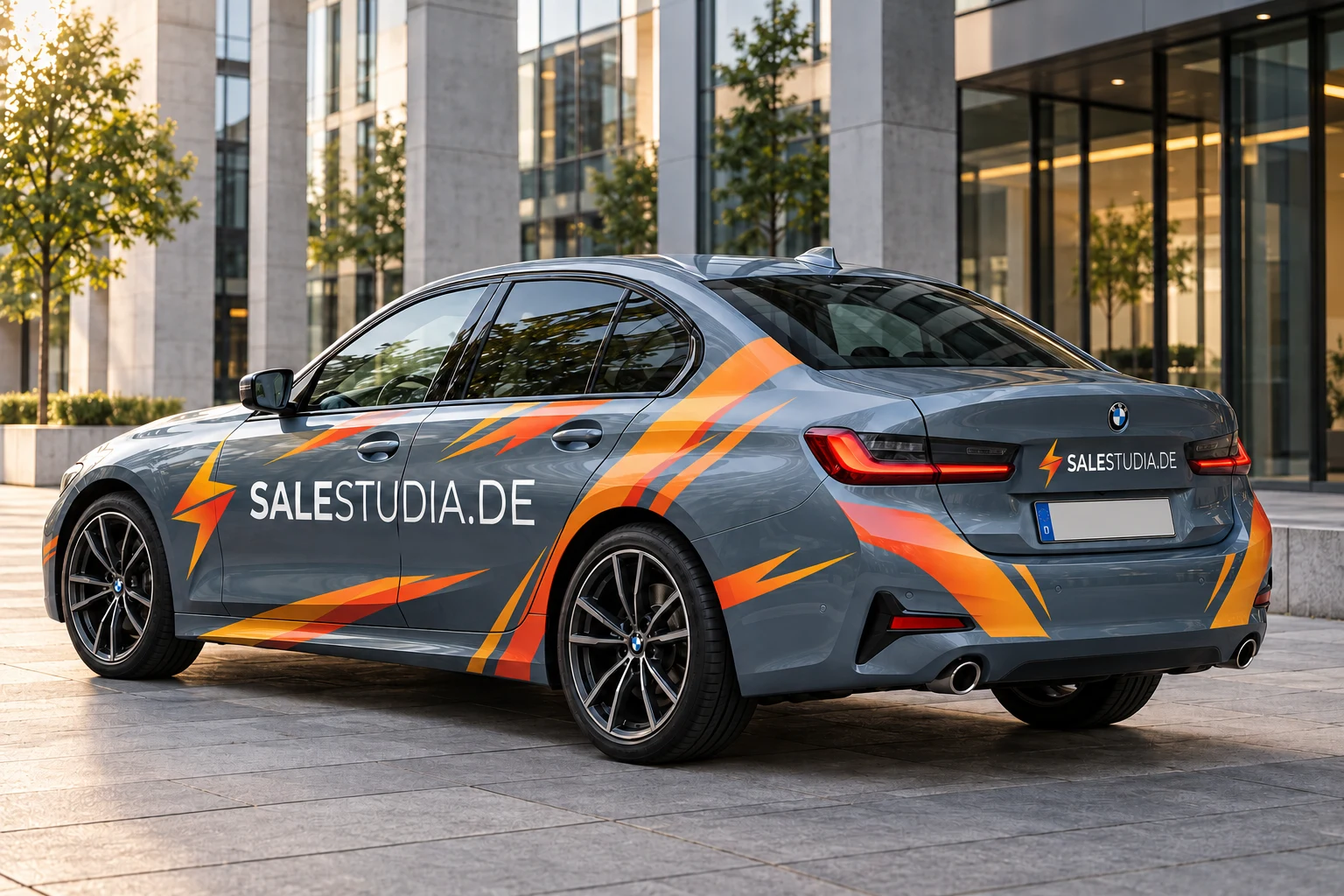
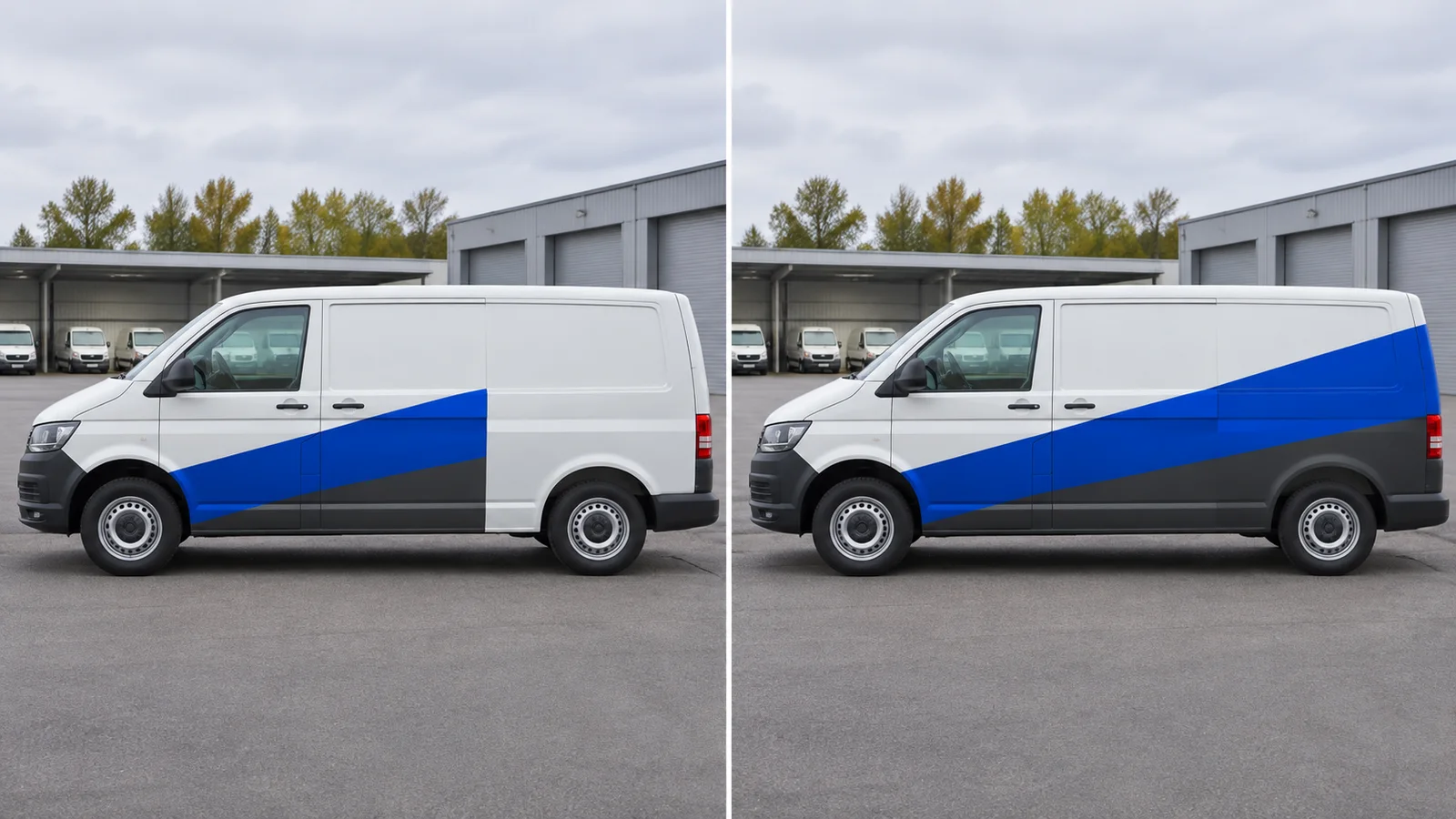
Use the screen to settle where the company name, service and contact belong. Order a physical proof if, for example, the brand colour on the chosen film or the readability of small lettering is still unresolved. A colour chip alone cannot test the lettering: ask for the critical area at actual size where possible.
Match the sample to the production file
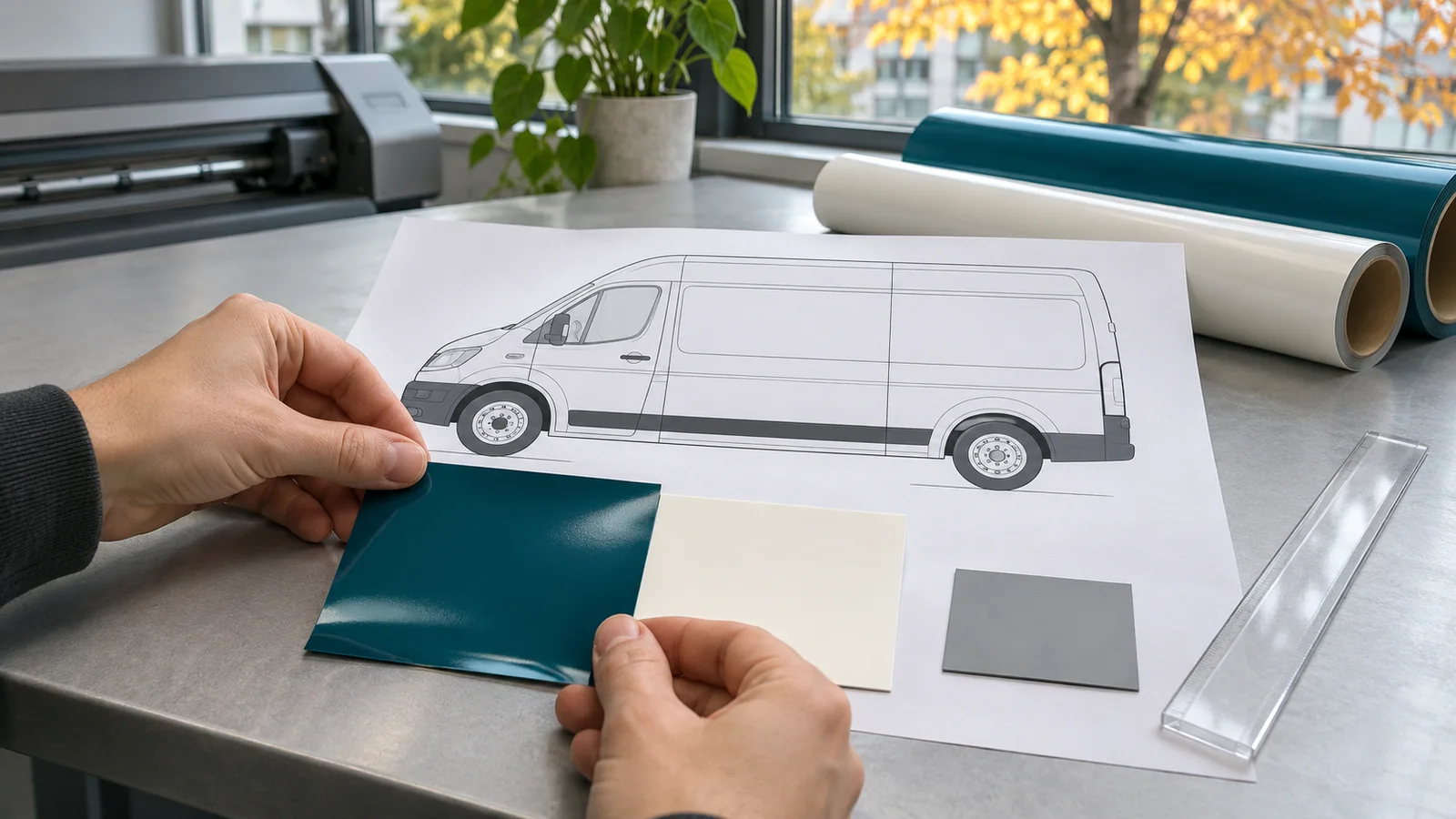
Ask the specialist which features the sample can reproduce: film, print process and laminate if applicable. Label the sample with the file revision, date and material specification. If the sample differs from the planned construction, record which decision it cannot support.
Compare it next to the vehicle
Hold the proof next to the body panel in neutral daylight without sticking it on as an installation test. Compare it with the agreed physical colour reference, then look at the lettering from the intended viewing position, such as the pavement next to a parked van. If you also check under workshop lighting, note where you observed each difference.
Record the decision in three lines
Example for proof P02 and file V03: placement confirmed; brand blue checked beside the van and accepted; revise the small rear text and recheck that crop. Production stays on hold until the correction is checked. Add the date, decision owner and next file revision.
Release only the confirmed file
When everything checks out, record the approved file revision, matching sample and agreed material specification. If one changes, agree what needs to be checked again. HOTIM handles design and coordination; surface assessment, production and installation are carried out by a separately commissioned specialist.