Approve the base version first
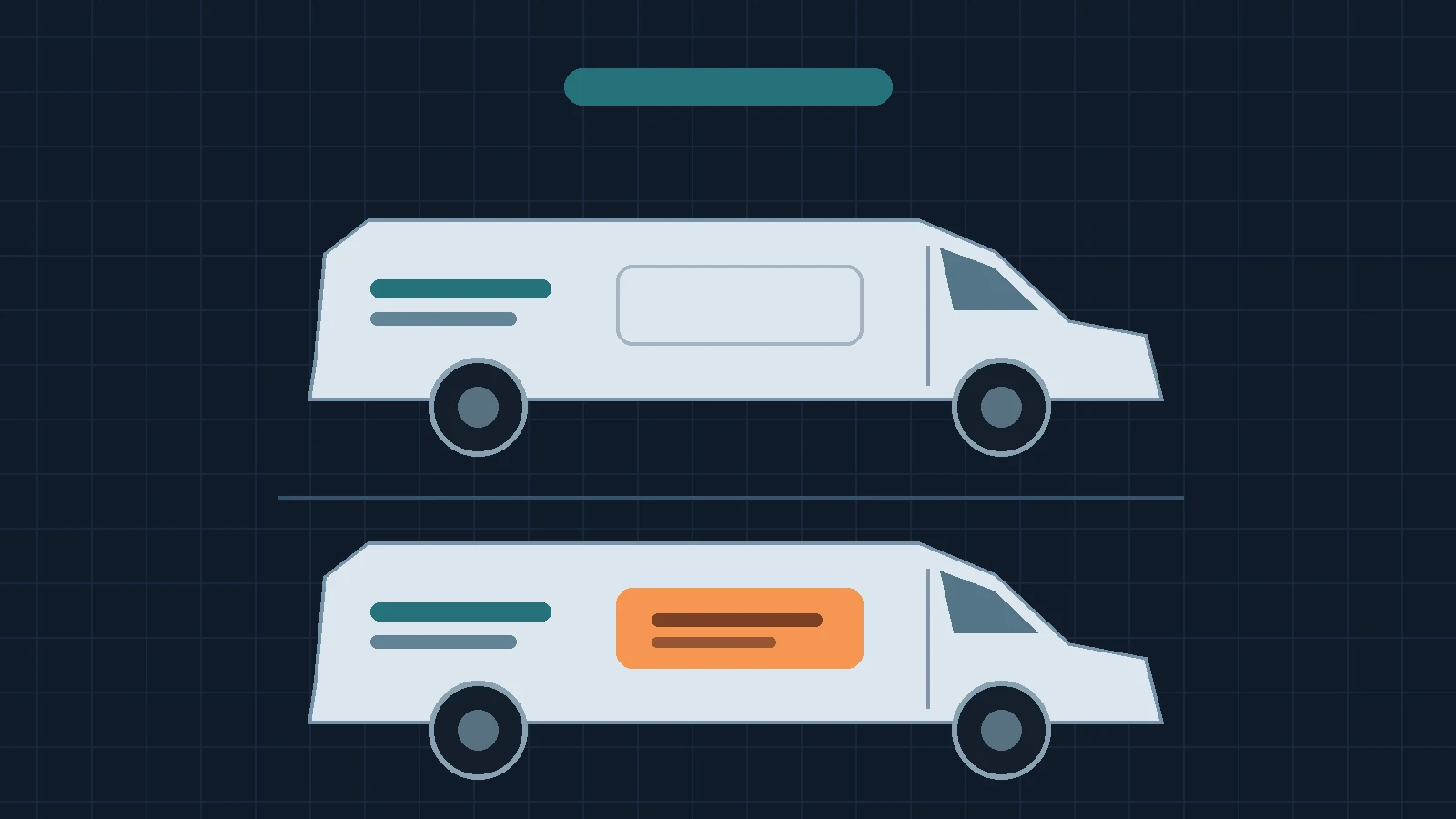
The company name, main service and permanent contact route should make sense without the campaign panel. Check that version first, then add the separate panel. Avoid type or lines that cross between the two areas if part would disappear when the panel is removed.
Save a reference for the end of the campaign
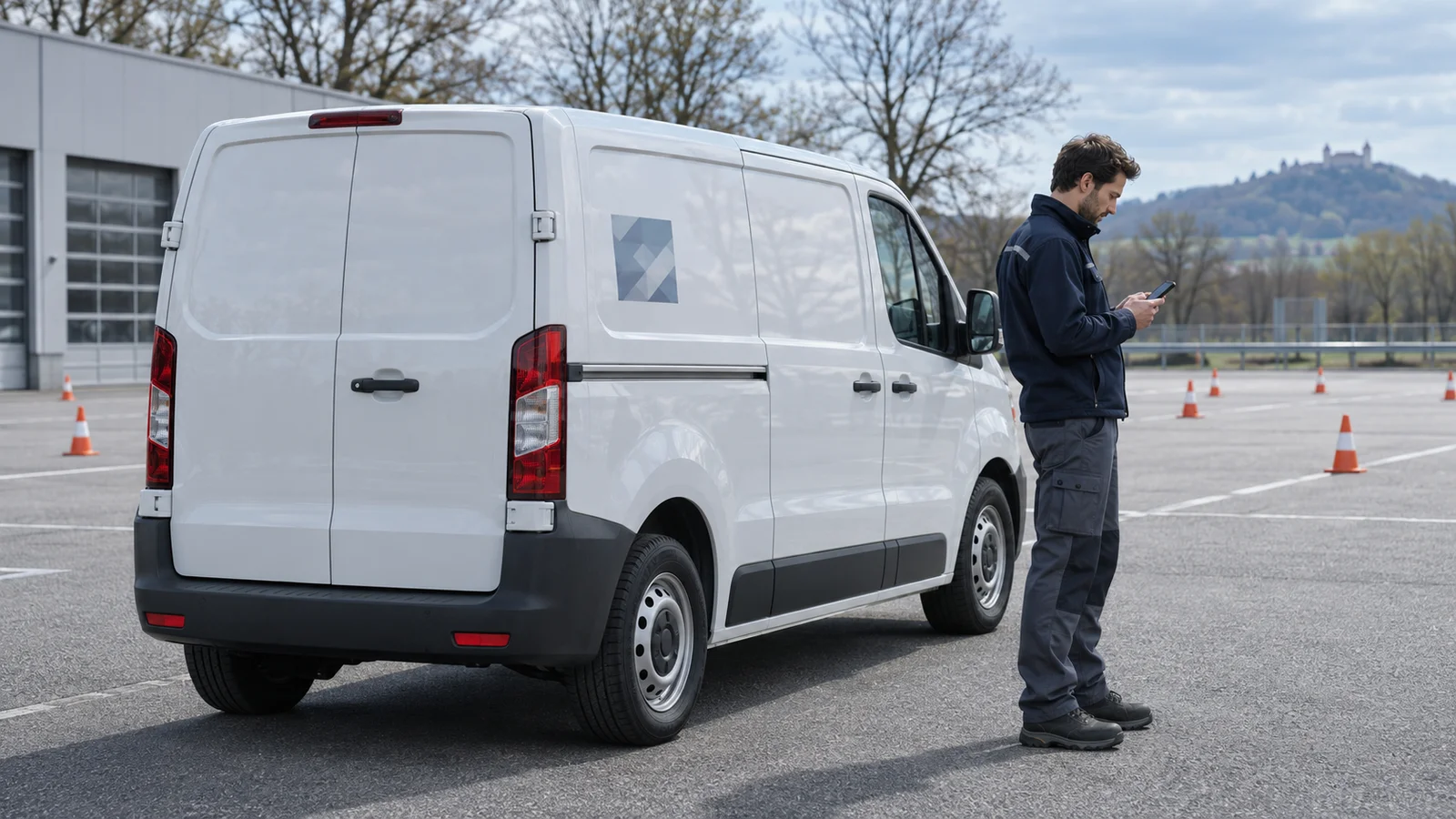
Imagine a mobile bicycle repair company advertising a spring tune-up from 1 March to 30 April. A separate panel supplements the permanent graphics on three vans. On the base version, the name, mobile bicycle repair service and general contact still appear in full. Save the approved base view to compare against after the campaign.
Give each vehicle its own end date record
In the example, the fleet lead records the campaign end, the agreed workshop appointment and the responsible person separately for vans 01 to 03. Van 02 is away on 30 April, so its removal is scheduled separately before the launch. If the campaign uses a landing page, also decide what the printed address will lead to after the promotion.
Check two things before closing
Compare the final photo or updated vehicle view with the approved base design. Separately check whether campaign wording remains on the linked offer or in the template set. HOTIM supports design and coordination. The separately commissioned specialist checks the surface and system and is responsible for production, installation and the agreed removal.