
Set the destination before you test
Write down what should happen after the scan: for example, see the relevant service or request a callback. Choose a stable address on a domain your company controls. Record a readable short URL for people who prefer not to scan. Both should take visitors to the same relevant page.
Run the test while the vehicle is parked
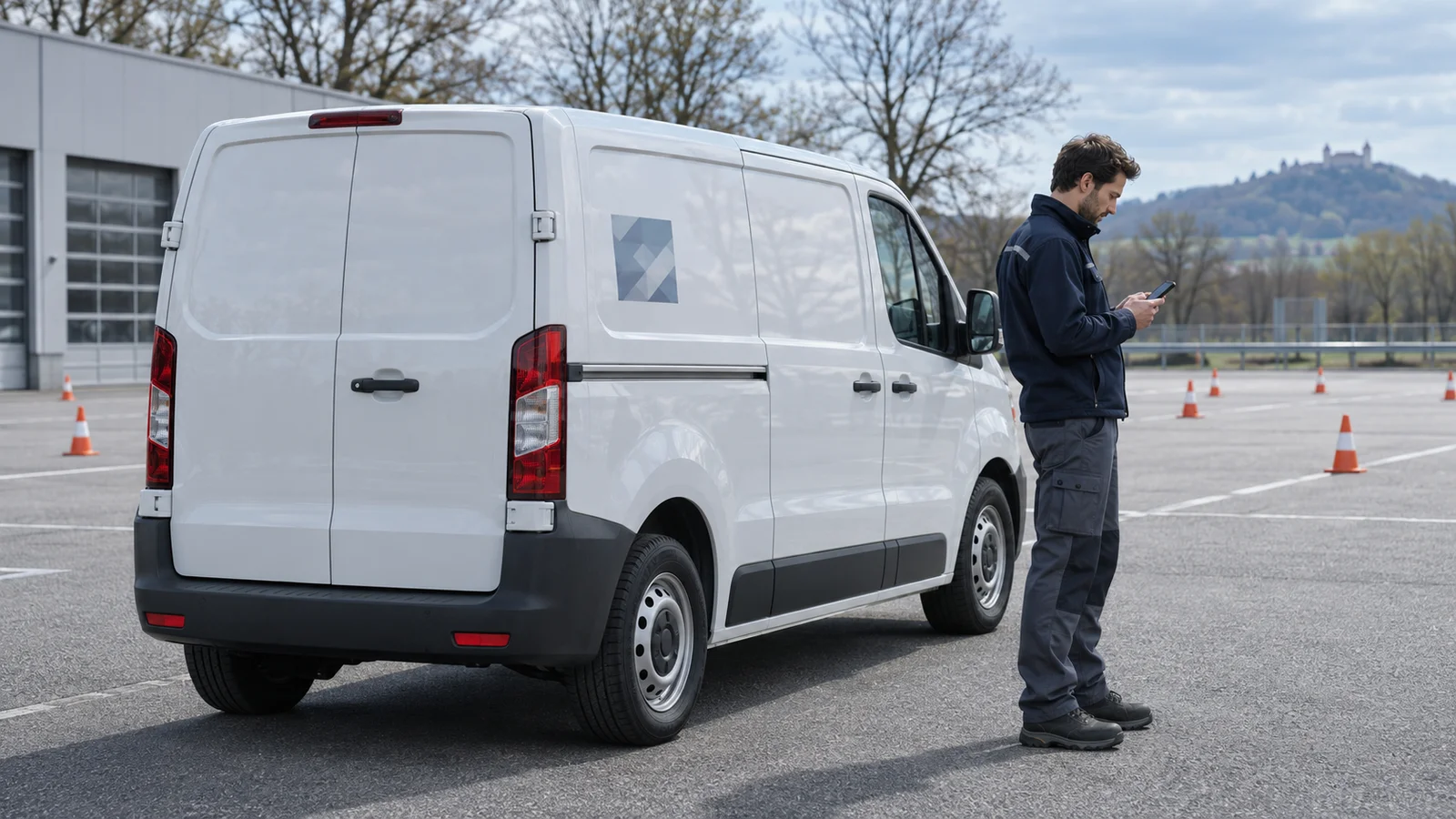
Scan a proof on the parked vehicle with two different phones away from company Wi-Fi. Type the short address manually as a separate check. Check the landing page, language, phone number and form without signing in. Send a clearly marked test enquiry and confirm it arrives. A confirmation screen alone does not prove that the team received it.
Who maintains the address after approval?
Name an owner and a backup. Record the printed URL, its current destination, the next test date and the team that receives enquiries. When a campaign ends, keep the printed entry point working and redirect it to the appropriate current page. After any change, repeat the test through to delivery of the enquiry.
Separate design from installation
HOTIM supports the design and coordination of vehicle graphics. A separately commissioned specialist handles production, technical checks and installation. The company remains responsible for the landing page and enquiry route.