Mark the unconfirmed panel
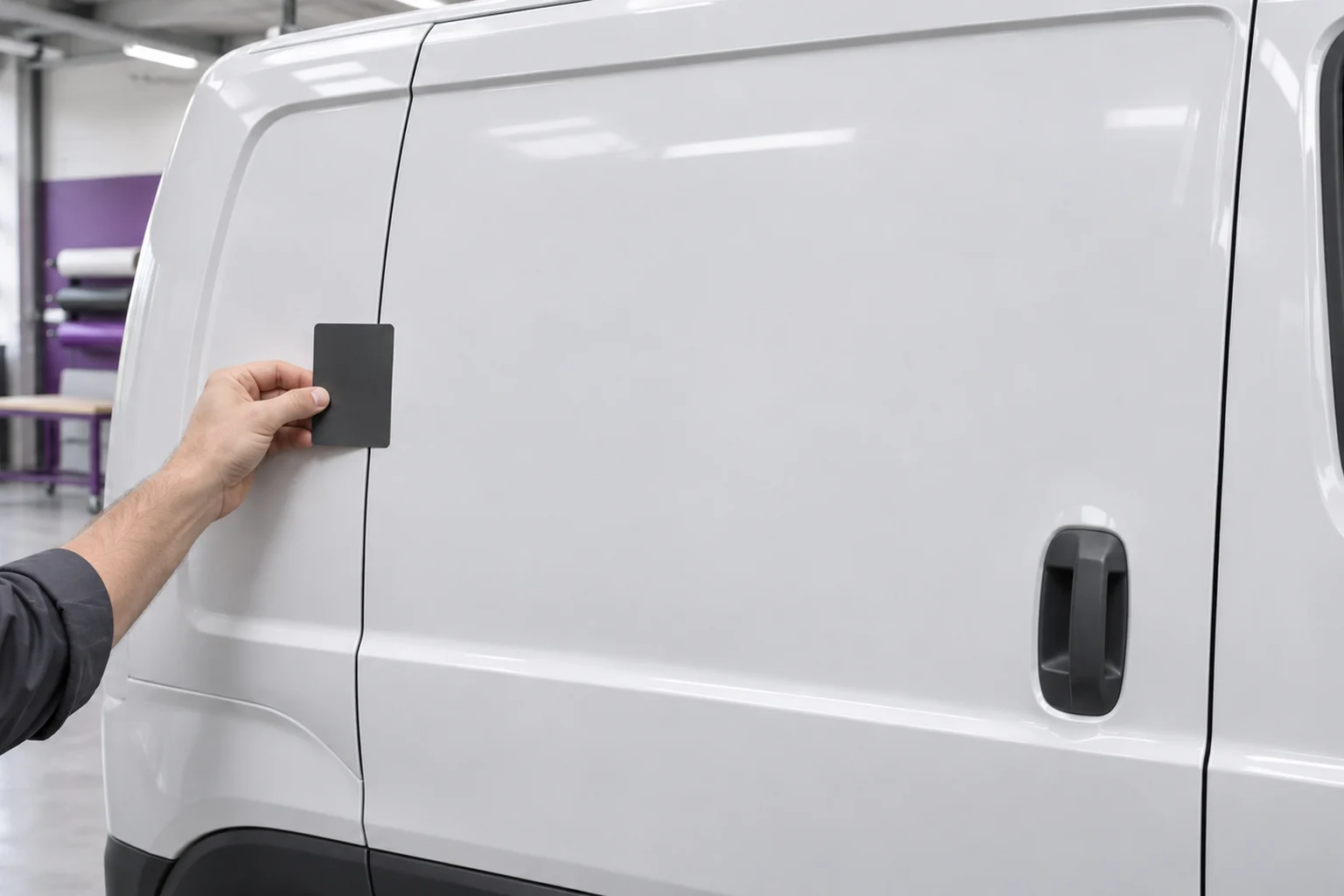
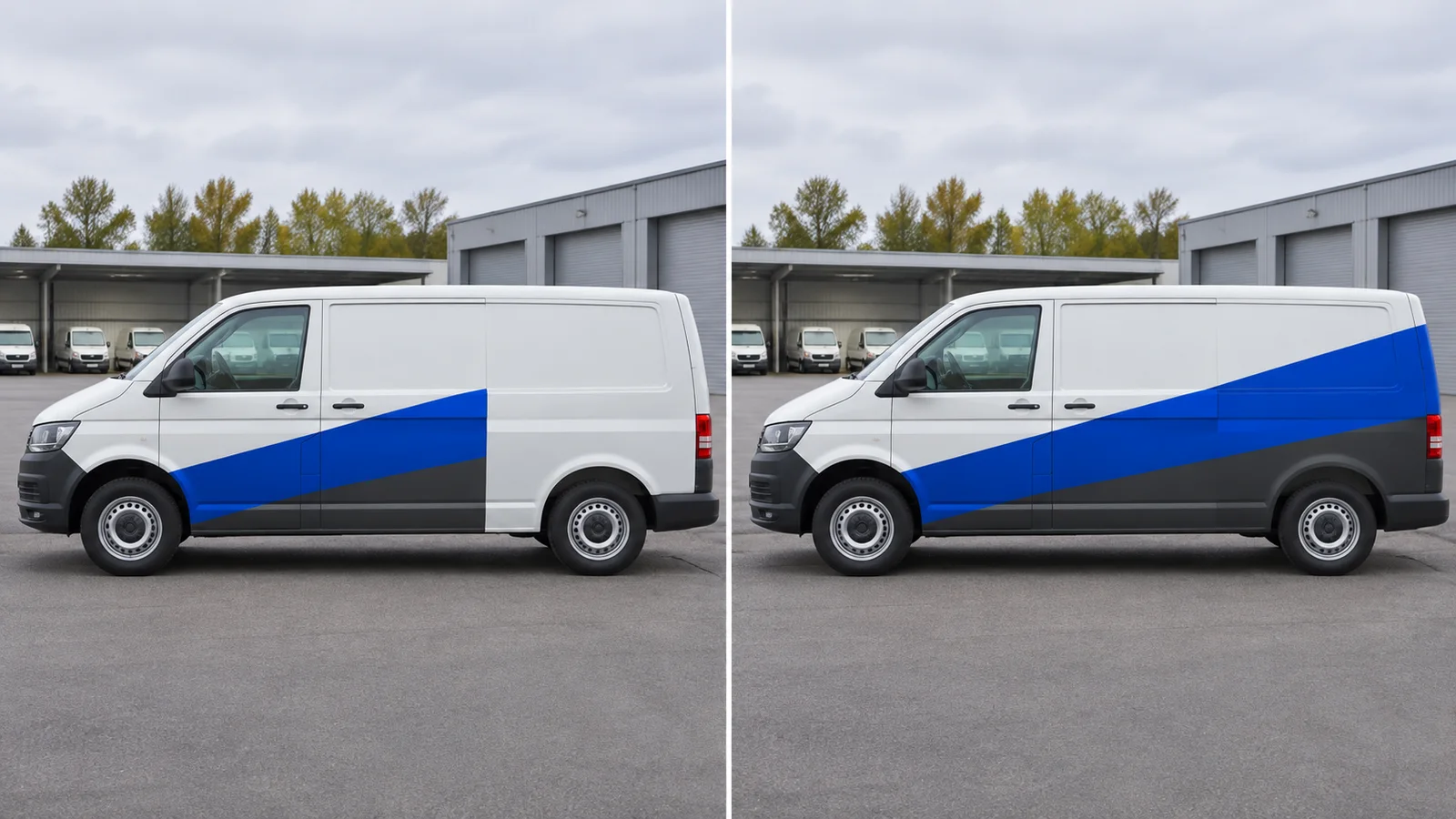
Put two copies of the same side photo next to each other. Mark the rear quarter, for instance, as not yet cleared. Keep the company name, service and main contact method identical in both sketches. At this stage you are reviewing placement, not assessing the surface.
Layout A: the message works without the rear
Keep the name, service and contact in the door area available for planning. Stop the graphic before the unconfirmed panel. A is the planning fallback if the rear is ruled out, not permission to install; the specialist must still clear all surfaces actually used.
Layout B: keep the extension modular
Leave the door area unchanged. Add only an optional rear colour block: no text, QR code or connecting line needed to understand the design. Put it on a separate layer so dropping the panel does not require moving contact information or rebuilding the core layout.
Compare both mockups with a short decision record
Example: A – complete door layout, rear blank, selected surfaces to be assessed; B – same door layout plus rear module, draft only. At the intended viewing distance from the parked van, ask a second person to name the service and contact method. If A fails, revise the door area rather than shifting essential information to the unconfirmed panel.
Record the selected layout before print handoff
Label the files A without rear and B with optional rear. Record the vehicle, reference photos, chosen layout and the status of each surface used. HOTIM handles design and coordination. A separately commissioned specialist assesses the surface and handles production and installation. Leave unconfirmed areas out of the production file until that specialist clears them.